Bank Web Server
The Bank server was developed using NodeJs.
This is a HTTP server and handles loan plans and loan payments related functionalities.
Project code is in the bank-server directory.
Prerequisites
Before launching the Bank server, we need to run Mongo DB in the background.
The Bank server connects to the local Mongo DB running on port 27017, the default port for Mongo DB.
In the bank server project, Mongo DB is configured as follows:
const url = 'mongodb://127.0.0.1:27017/bank-db-level1'
mongoose.connect(
    url,
    { useNewUrlParser: true },
    () => {
        console.log('connected to Bank DB')
})
This code segment connects the Bank web server to Mongo DB and the bank-db-level1 database.
If your Mongo DB is running on a different host or port, you can config it in line 90 of the index.js file in the bank-server directory.
You may change the db name by replacing bank-db-level1 in the above code snippet.
Install NPM Dependencies
Install all dependecies of the bank-server project as follows.
First, open a terminal in the bank-server directory and execute the following command:
npm install
This command generates a node_modules directory in the bank-server directory.
Start Bank Server
To launch the Bank server, change to the bank-server directory and run the following command in the terminal:
npm run start
This starts the Bank web server on port 9091 in your computer.
If this port is used by another process in your computer,
you can change the port in the index.js file placed in the bank-server directory.
You can replace 9091 with any preferred port number in the following code segment,
located at the end of index.js:
//LISTENING
app.listen(9091)
Check Bank Server Availability
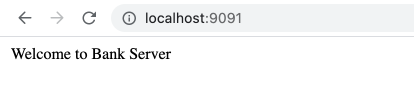
You can now check bank server status by navigating to localhost:9091 in your browser.
The default setting will run the Bank server on port 9091.
Swagger API Documentation
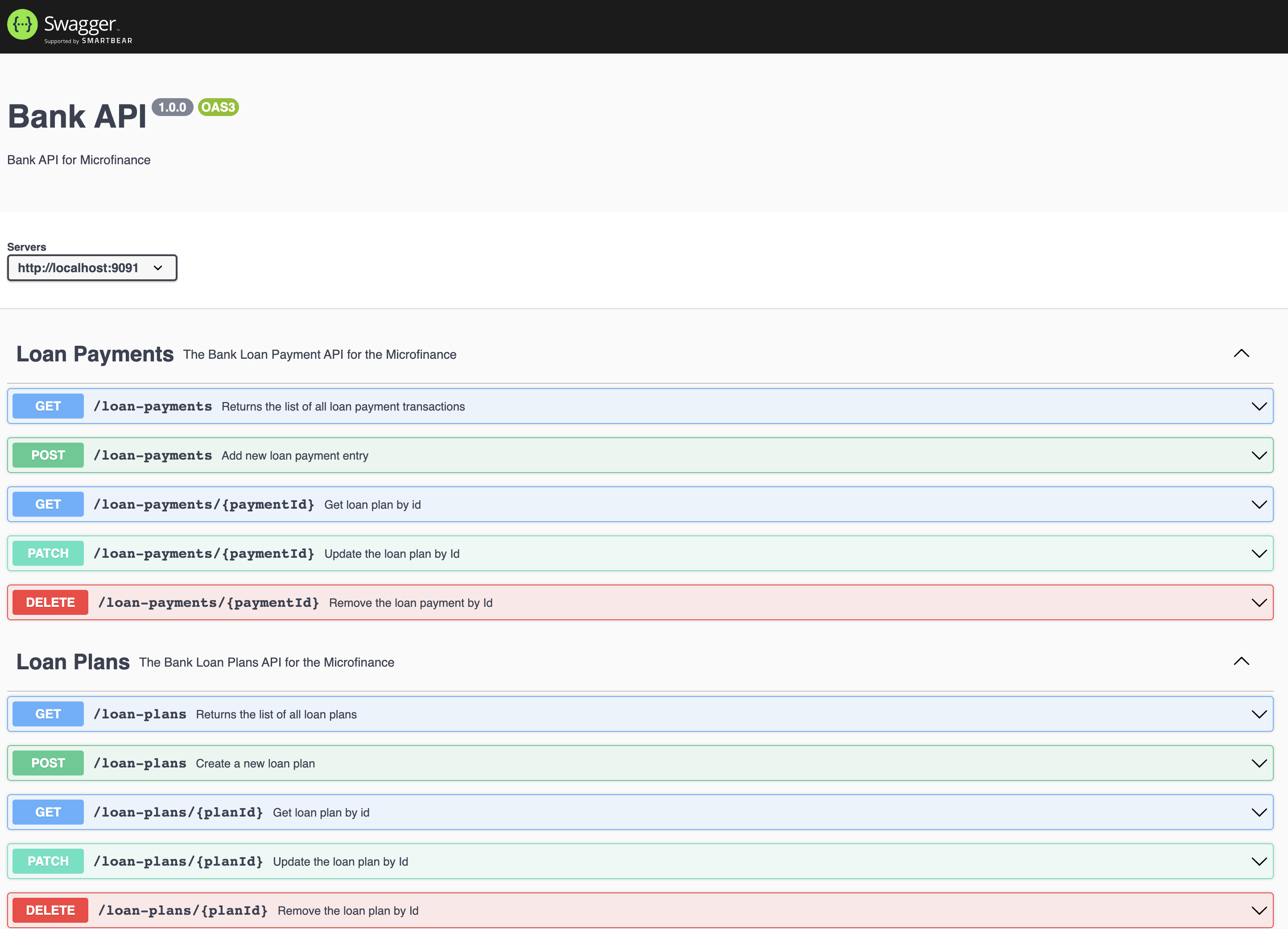
To view the API documentation, you can navigate to localhost:9091/api-docs.