Using Metamask with Ganache
Ganache is an application with a visual interface that runs a blockchain that can be used for
testing purposes. It runs on network 127.0.0.1:7545. You can find more about setting up Metamask
here.
Setting up Metamask
To use Ganache with MetaMask, click the MetaMask icon in your browser:
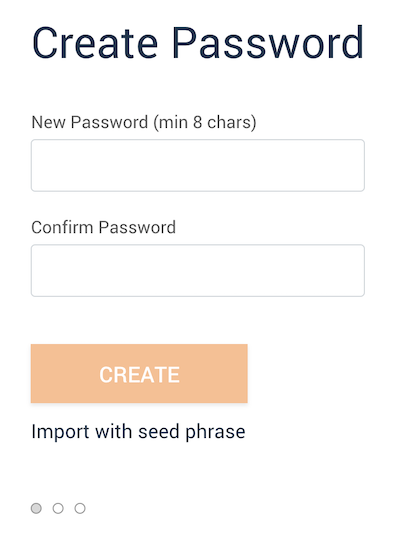
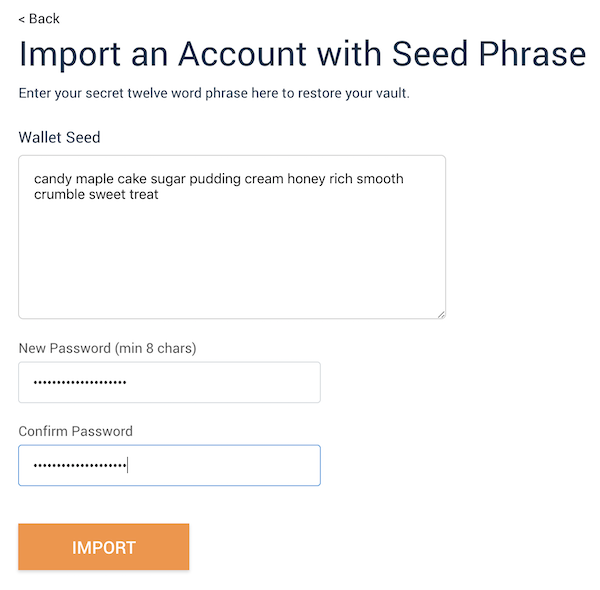
Click “Import with seed phrase”. In the box marked Wallet Seed, enter the Mnemonic displayed in the Ganache app. Enter a password below and click “IMPORT”. The password is for you to login to MetaMask in future.
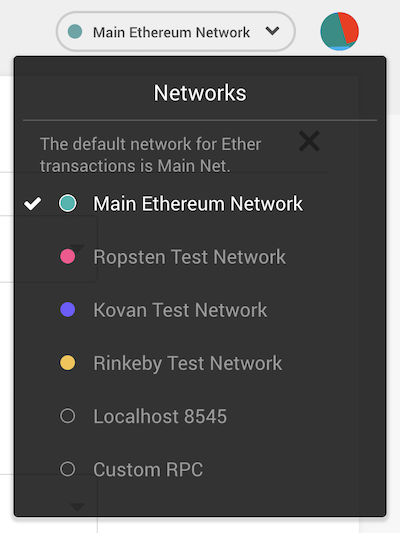
Now we need to connect MetaMask to the blockchain created by Ganache. Click the menu that shows “Main Network” and select Custom RPC.
When you select the Custome RPC it will pop up the following form.
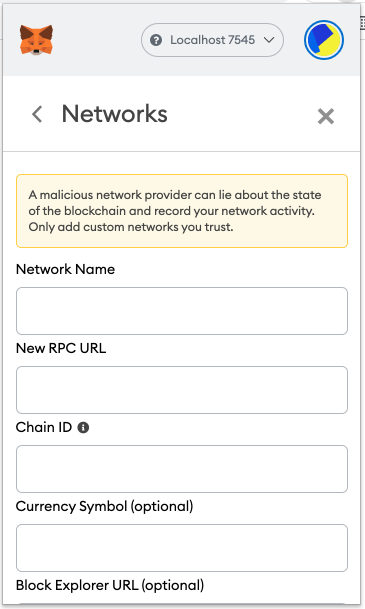
You can use any name you preferred as Network Name. Then set the following values in the next two boxes.
New RPC URL -
http://127.0.0.1:7545Chain ID -
1337
You may leave the next two optional fields empty and click Save.
The network name at the top will switch to your new Network Name. Click the cross at the top-right corner of the current window to close the page and return to the Accounts page.
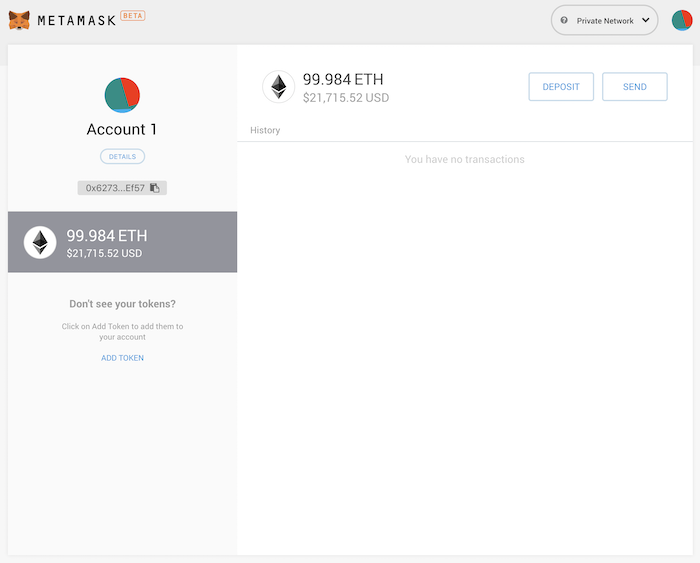
Now that you’ve connected MetaMask to Ganache, you will be taken to the accounts screen. Each account created by Ganache is given 100 ether. The first account should have less than the others because that account supplies the gas for smart contract deployment. Since you’ve deployed your smart contract to the network, this account paid for it.
Click the account icon in the upper-right corner to create new accounts. The first 10 of which will correspond to the 10 accounts displayed when you launched Ganache.