Connecting ReactApps to MetaMask
When you load a ReactApp in the Chrome browser, MetaMask will prompt you to connect to the ReactApp:
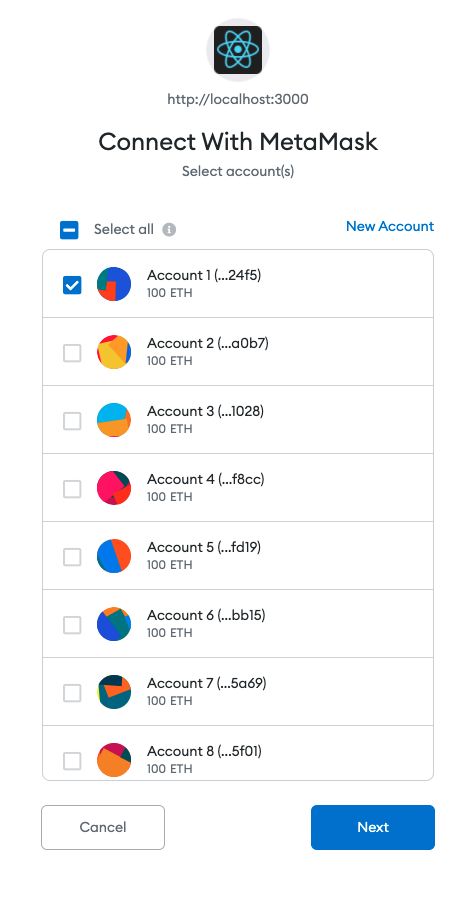
In this window, MetaMask lists down all 10 accounts from Ganache.
You can select which accounts are willing to connect to the ReactApp.
After selecting the accounts you can click Next.
In this example, I select all 10 accounts. Clicking Next will direct you
to the confirmation page as shown below:
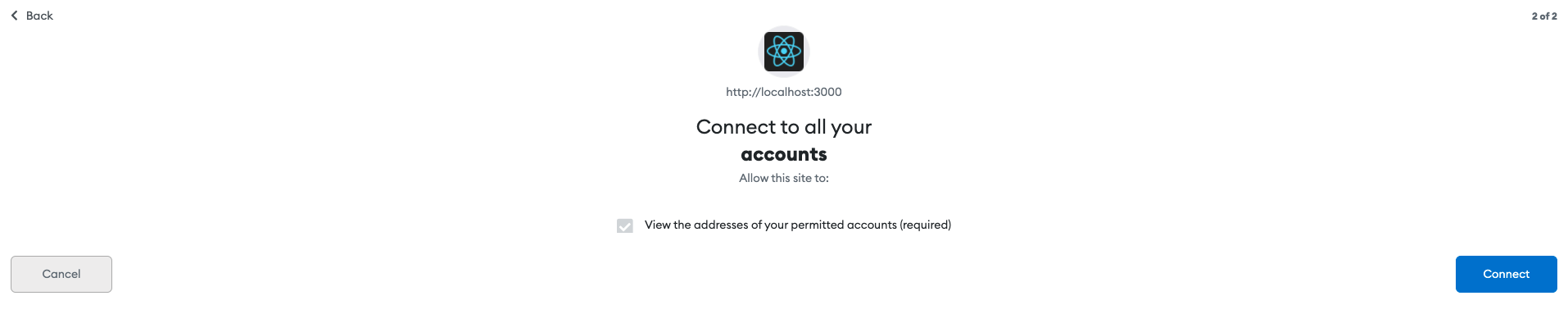
You can click Connect at the bottom-right corner to connect MetaMask and ReactApp.
You may connect Bank Web Application to MetaMask. After connecting the web application, it will display information fetched from the Blockchain.