Deploy Smart Contract to the Ganache
This section describes how to deploy your smart contract into the Ganache private Ethereum blockchain.
First, run Ganache locally on your machine by clicking the Ganache icon in your computer.
Next, we use Truffle to deploy smart contracts into the Ganache local blockchain.
The Solidity version is already configured in the truffle-config.js file.
Run Ganache
Once you’ve installed Ganache, you should see the following screen when you launch it. Choose the Quickstart option:
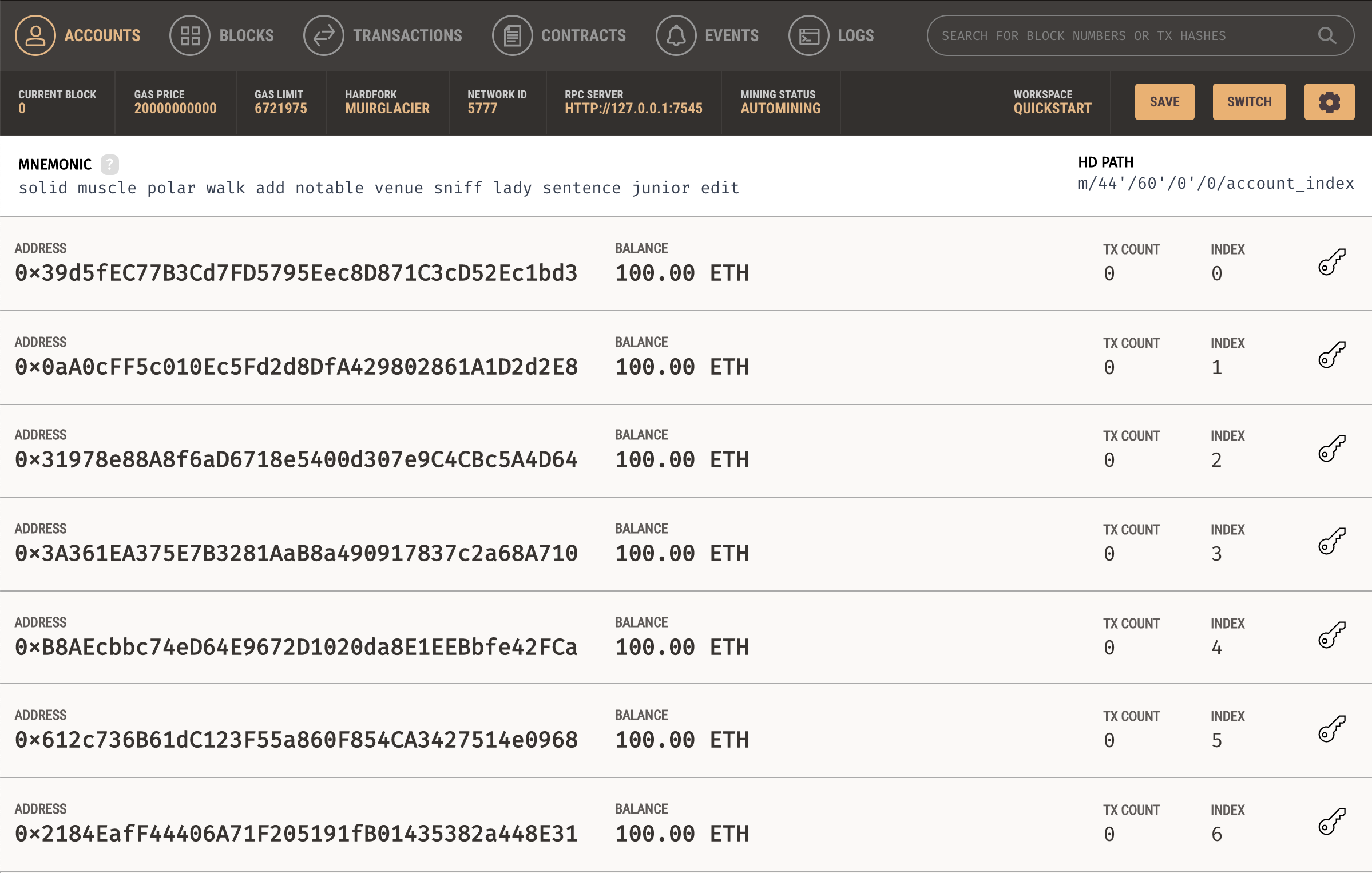
In this window, there are 10 wallet account addresses each having 100ETH,
which can be used for testing purposes. Also,
you can find the MNEMONIC and RPC SERVER address which will be used later in this project.
Deploy Smart Contracts using Truffle
We execute the following command on the terminal in the project root directory to
compile and deploy all 3 smart-contracts into the Ganache local Ethereum blockchain.
This blockchain runs on network 127.0.0.1 port 7545.
Before executing the following command, make sure that your Ganache Ethereum blockchain is running on your machine.
truffle migrate --reset
We use the --reset option to migrate all smart contracts to the blockchain, starting from the beginning instead of running from the
last completed migration. The following details is shown in the terminal while deploying the smart contracts:
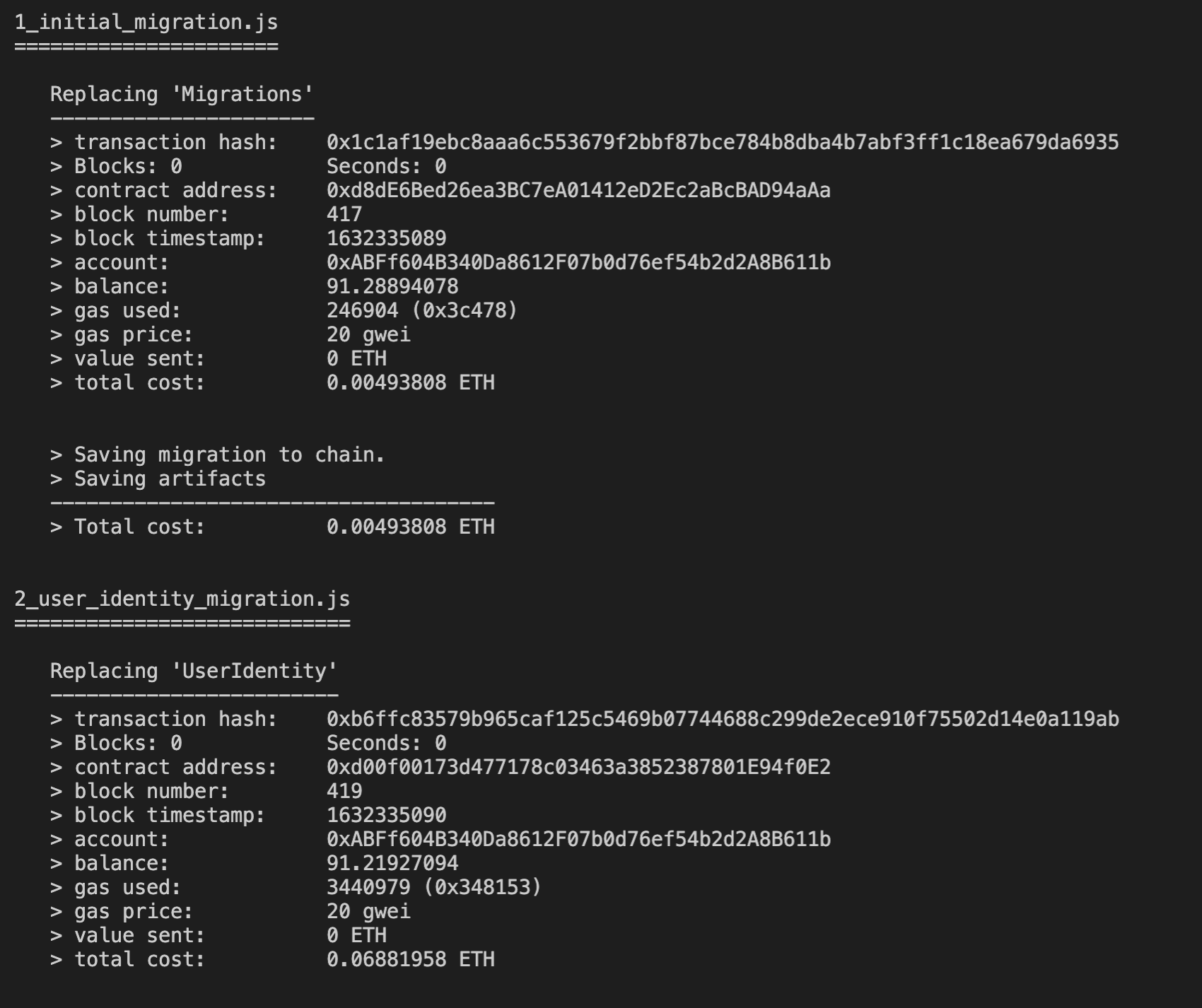
After successfully deploying all the contracts to the blockchain, we have the following:
